OAuth2 Tokens
This feature corresponds to the new API.
To use the new API and access the OAuth2 Tokens section, the API service must be enabled in your account license.
1. Access the back-office.
2. Go to Account / OAuth2 Tokens.
3. Click on + New and complete the information.
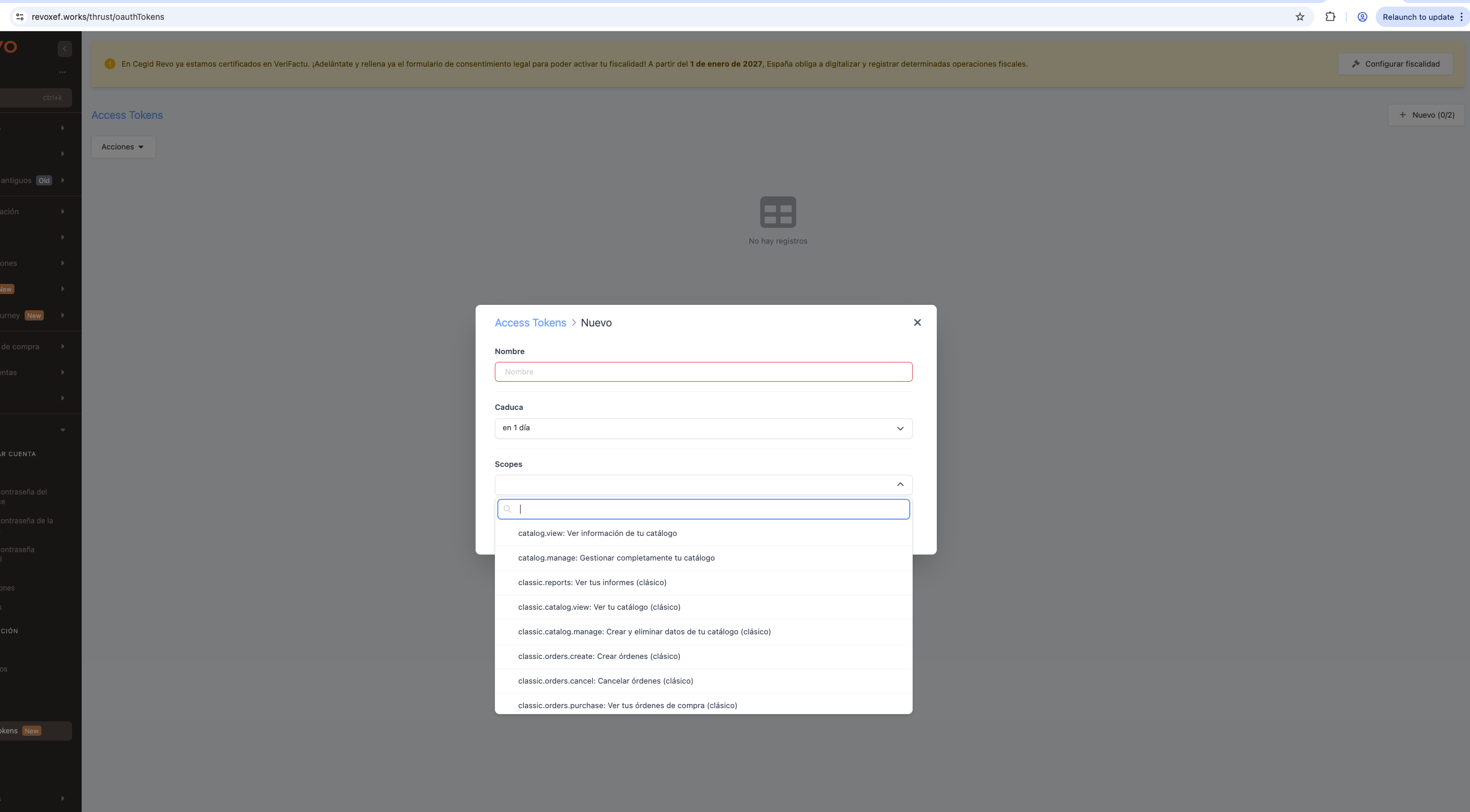
- Name: Descriptive name to identify the token (editable).
- Client: Name associated with the application or integration.
- Scopes: Actions that the token can perform through the API.
- Created: Token creation date.
- Expires: Token expiration date.